









How to Book Tiruvannamalai Temple Darshan Tickets
How to Book Tiruvannamalai Temple Darshan Tickets Visiting Tiruvannamalai is often planned around three important experiences—Annamalaiyar Temple darshan, worship at…





Devotees planning a visit to Tiruvannamalai often search for How to Book Arunachaleswarar Temple VIP Darshan tickets online booking, especially when travelling during weekends, Pournami days, festival periods and other busy dates.
Arunachaleswarar Temple, also widely known as Tiruvannamalai Annamalaiyar Temple, attracts a large number of devotees throughout the year. Because of the crowds, many visitors look for Arunachaleswarar Temple VIP Darshan tickets online booking to understand whether a special or faster darshan facility can be booked before reaching Tiruvannamalai.
Visit the official Tamil Nadu HR&CE online portal and search for:
Arulmigu Arunachaleswarar Temple, Tiruvannamalai
Select the correct temple before proceeding to the booking services.
After selecting Arunachaleswarar Temple, choose:
Temple Service Booking → e-Ticket Verification
The portal will then provide options to check the services available under:
Free Service or Paid Service
Select the appropriate service category according to the service you want to check.
Important: The website does not specifically mention an option called “VIP Darshan.” Visitors searching for Arunachaleswarar Temple VIP Darshan tickets online booking should therefore check the services actually listed by the temple under the Free Service and Paid Service sections.
To proceed, enter the verification information requested by the portal.
This may include:
Enter the details correctly and complete the verification process.
Choose the service you want to book from the available options.
Before continuing, carefully check:
Do not select a service only because it is listed under Paid Service. Confirm what the service actually includes.
After successful payment and confirmation, save the generated e-ticket or booking acknowledgement.
Keep a copy on your mobile phone and, if possible, carry a printed copy during your temple visit.
Also note the:
Carry valid identification if the ticket instructions require it.
This is an important point for anyone searching for Arunachaleswarar Temple VIP Darshan tickets online booking.
Before attempting Arunachaleswarar Temple VIP Darshan tickets online booking, remember these simple points:
Vishnu Balaji Travels can assist travellers with transportation and Tiruvannamalai travel planning. However, official temple darshan tickets are subject to availability and the rules of the Arunachaleswarar Temple administration.
Devotees should use the official booking facility whenever online darshan reservation is provided. No travel operator should be treated as having authority to guarantee a temple VIP darshan unless the facility is officially available and authorized.
Explore Popular Blog Posts Across Categories
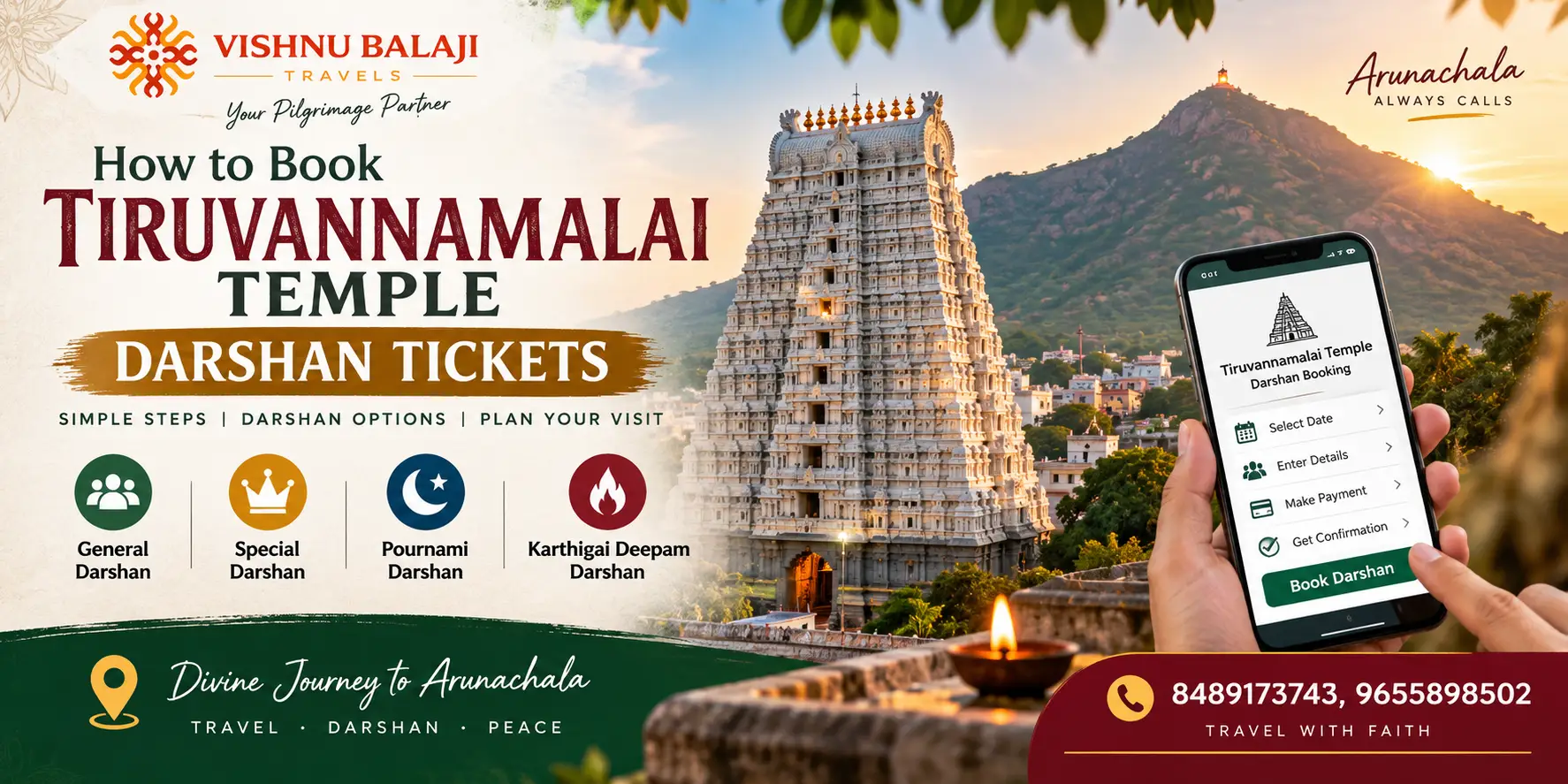
How to Book Tiruvannamalai Temple Darshan Tickets Visiting Tiruvannamalai is often planned around three important experiences—Annamalaiyar Temple darshan, worship at…

Tiruvannamalai Temple Entry Gates and Visitor Guide – Complete Guide for Devotees The Tiruvannamalai Temple Entry Gates and Visitor Guide…

Tiruvannamalai Temple Dress Code for Men and Women Arunachaleswarar Temple in Tiruvannamalai is one of Tamil Nadu’s most important Shiva…

Type of Tiruvannamalai Temple Darshan, Ticket Price – Complete Guide The Annamalaiyar Temple, also widely known as Arunachaleswarar Temple, is…

Best Time to Visit Tiruvannamalai Temple – Choose the Right Time for Your Trip There is no single perfect date…

Tiruvannamalai Temple Abhishekam and Pooja Details, Timings Arunachaleswarar Temple follows traditional daily poojas from early morning to night. Knowing the…

About Tiruvannamalai Temple Timings and Darshan Guide A visit to Tiruvannamalai is not simply about entering a temple and completing…

Tiruvannamalai is more than a temple destination. Along with the famous Arunachaleswarar Temple, travellers can visit peaceful ashrams, sacred hill…